

For enrollment and endorsements


Messy employer files in. Clean member records out, same day.
The agent reads each employer’s HR file in any format, finds new hires, resignations and dependent changes, and prepares clean records. Anything unclear is flagged before a record changes.
60-day refund on implementation, in writing.
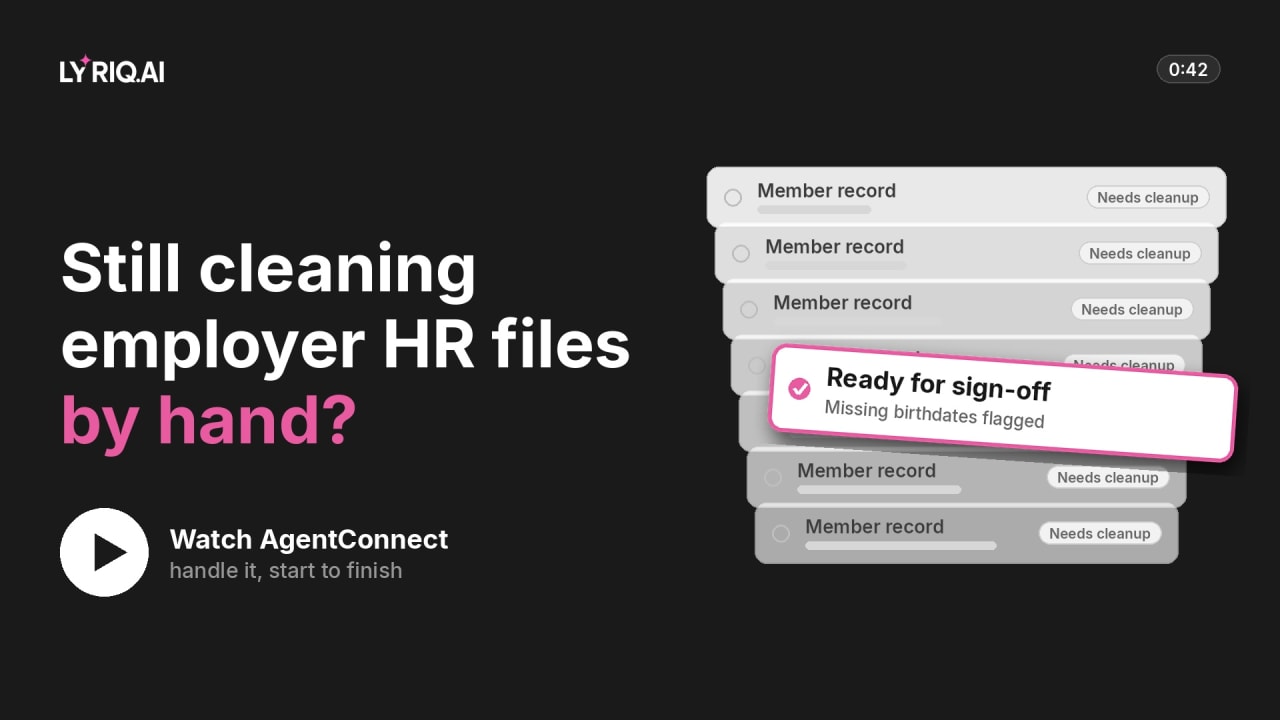
Still cleaning employer HR files by hand?
HMO membership teams and their BPO partners · 0:42- Works with the email, spreadsheet, CRM, helpdesk and phone tools you already use
- A person approves anything that matters
- Every step logged
- Your model you choose the AI
Today
Still cleaning employer HR files by hand?
- 01
Every employer sends a different format
Spreadsheet, PDF or email, each one retyped.
- 02
New hires without cover
Their record lags by days, and their first LOA request bounces.
- 03
Leavers still on the plan
Late removals mean paying for people who have left.
What it does
What the agent does, step by step.
- Step 1
Every employer file is cleaned by hand: new hires, dependents and leavers.
- Step 2
The agent turns the file into member records and flags missing details, like birth dates.
- Step 3
The enrollment officer signs off; the batch goes through and gaps go back to HR.
- Before
- Member recordNeeds cleanup
- After
- Ready for sign-offMissing birthdates flagged
Works with your HMO system, email and the files employers already send.
You stay in control
Where your team steps in.
The agent stops and hands over at these moments. Every decision is recorded with who made it.
- 01
Every record change
Prepared by the agent, approved by a person as a batch.
- 02
Anything unclear
Mismatched names, missing birth dates, dependents over the age limit are flagged.
- 03
Back-dated changes
Go to a person.
Try it
Tell the agent what to do.
Type a task, or pick one below, and watch a practice run go as far as your approval.
Savings calculator
How much time would you get back on your enrollment?
Put in your own numbers. The result updates as you type.
Estimate: what AgentConnect would give back
Enter your volume per month, the time each one takes and your hourly cost to see your numbers.
- Hours back each month
- —
- Value of that time, per year
- —
- Capacity freed
- —
How it starts: a 60-day refund on implementation, in writing.
- We agree a baseline with you: today’s volume, time and errors.
- We build the agent on your process.
- If it doesn’t beat the baseline by day 60, you get the implementation fee back.
Questions
What people ask about this one.
What file formats can employers send?
Whatever they send today.
Does it change member records on its own?
No. A person approves every change first.
What happens to records with missing details?
They’re held back and sent to the employer’s HR to fix.
What does the 60-day refund cover?
The implementation fee. Before we build, we agree a baseline with you: today’s volume, time and errors, in your own numbers. On day 60 we measure the process against it. If it does not beat the baseline we agreed, we refund the implementation fee. The terms are in writing, in your agreement.
Keep watching
More jobs AgentConnect can take on.
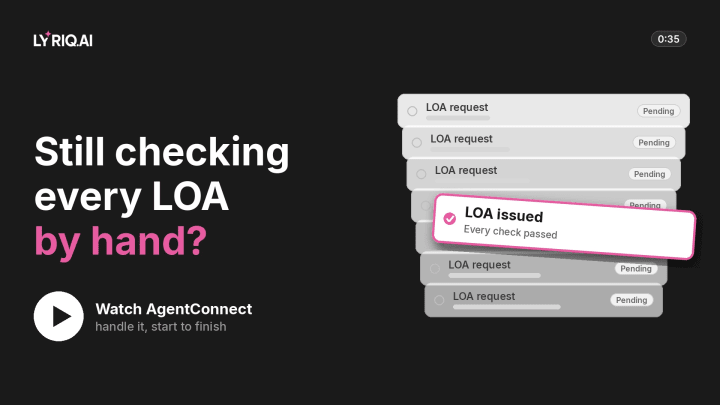 0:35LOA approvalsLOA approvalsWatch the workflow
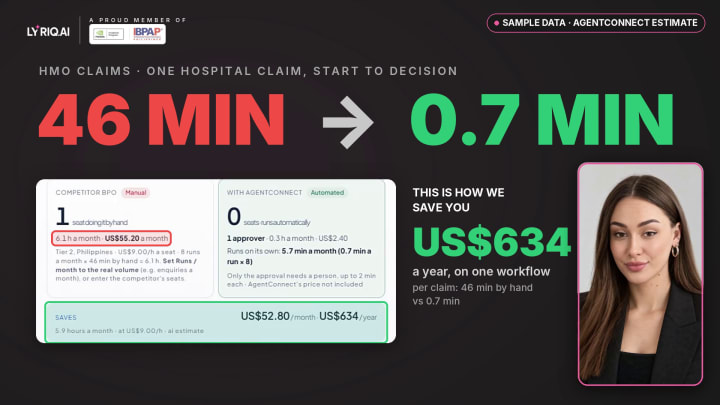 0:55Claims pre-adjudicationClaims pre-adjudicationWatch the workflow
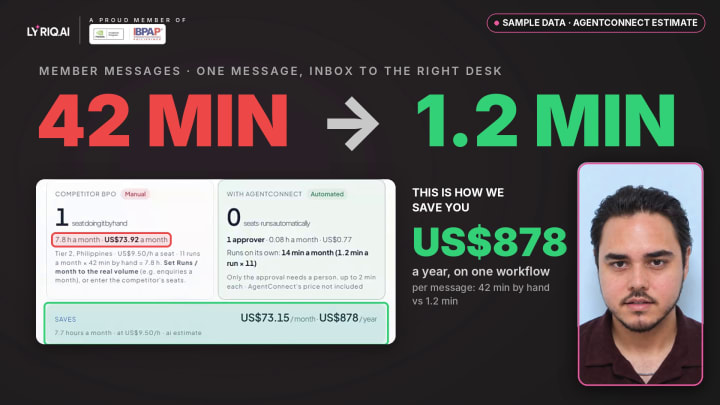 0:50Member supportMember supportWatch the workflow
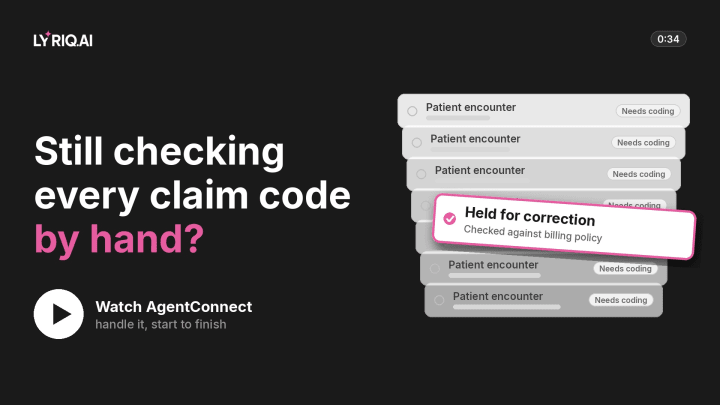 0:34Coding & billing checksMedical billingWatch the workflow
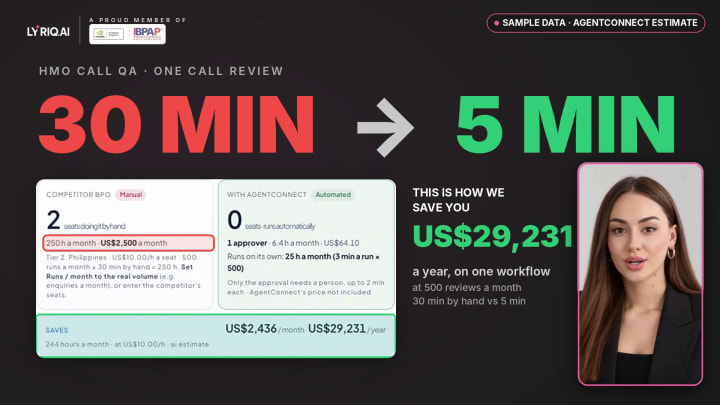 1:04Agent assist & call QAAgent assist & call QAWatch the workflow
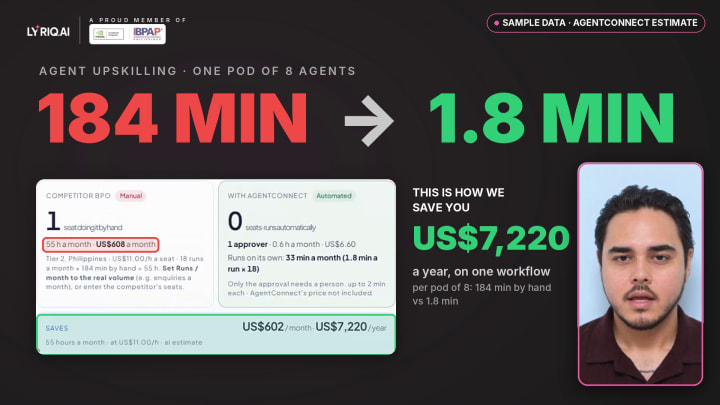 0:47AI upskilling programmeAI upskilling programmeWatch the workflow
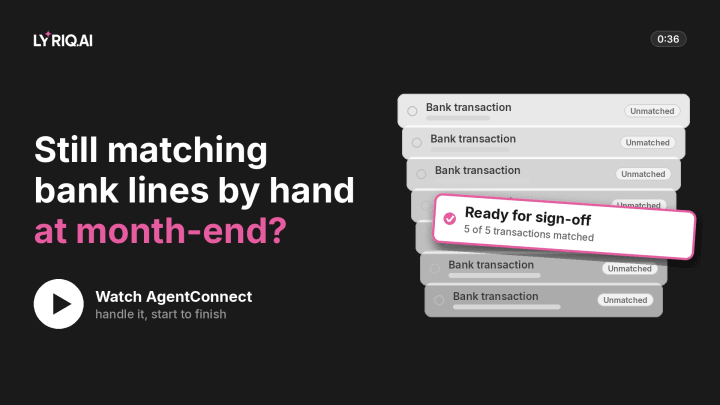 0:36Month-end closeMonth-end reconciliationWatch the workflow
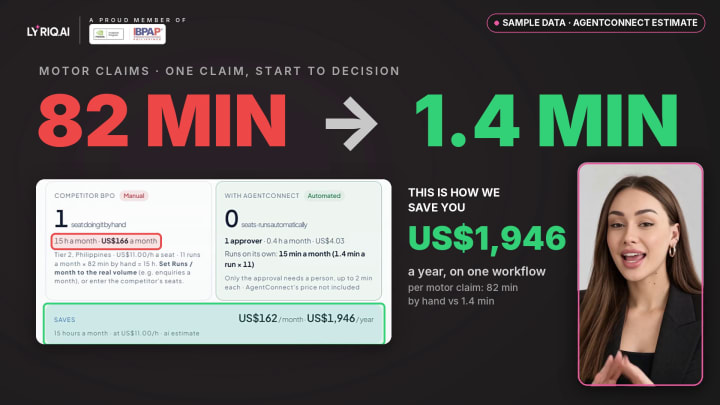 0:52Claims handlingClaims processingWatch the workflow
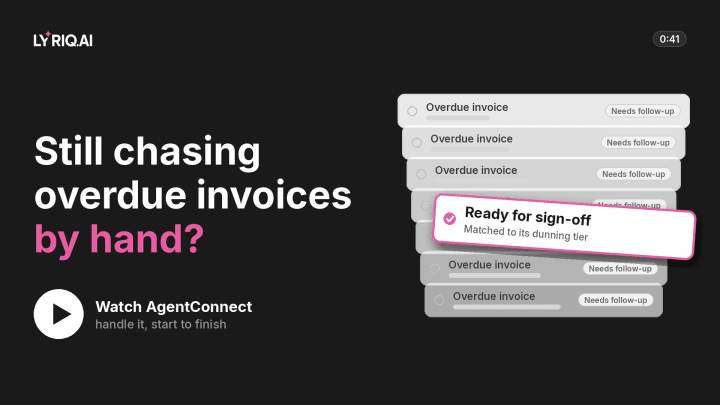 0:41Collections & ARCollections and receivablesWatch the workflow
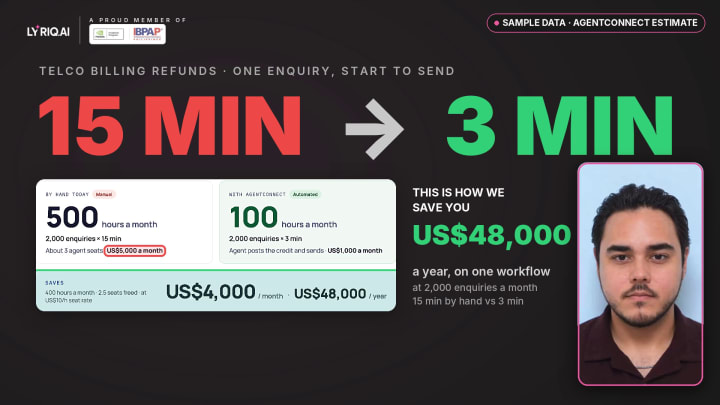 0:57Customer supportCustomer serviceWatch the workflow
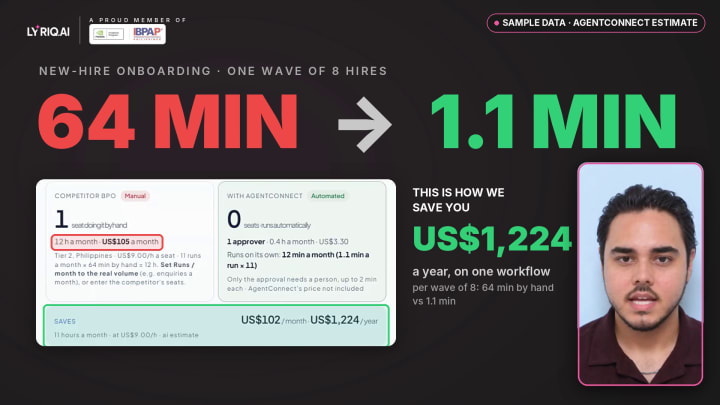 0:44Employee onboardingHR onboardingWatch the workflow
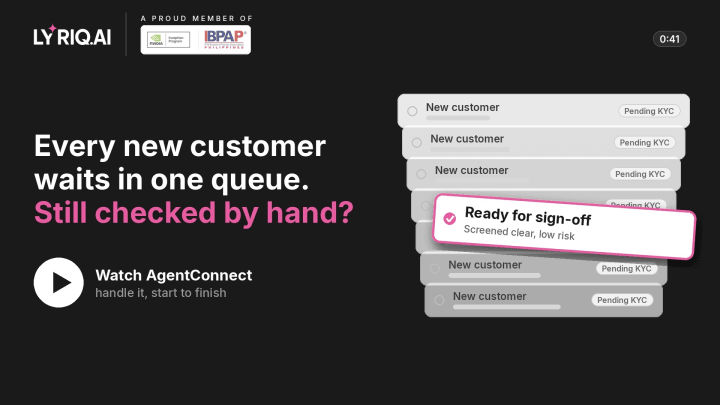 0:41KYC & onboarding checksKYC & complianceWatch the workflow
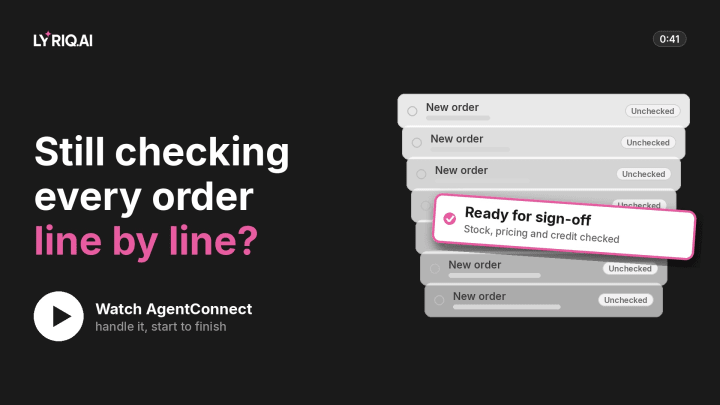 0:41Order checkingOrder managementWatch the workflow
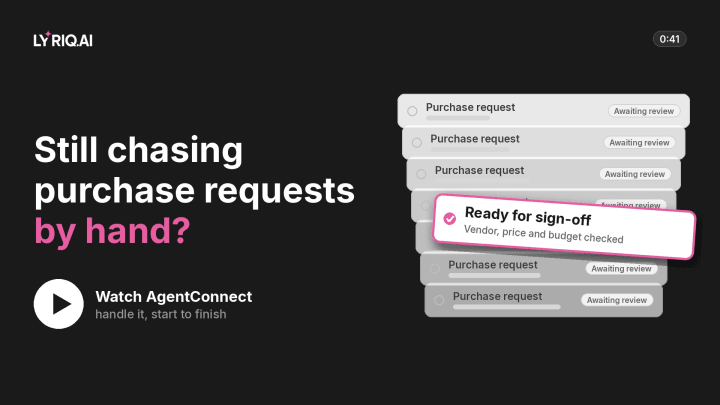 0:41Purchase requestsSupply chain & procurementWatch the workflow
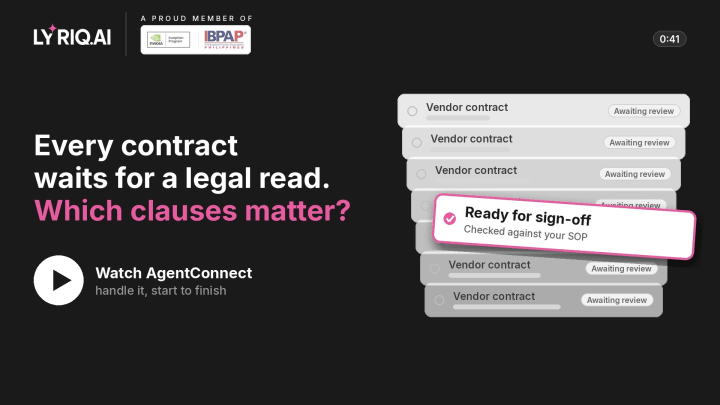 0:41Legal & contractsDocument reviewWatch the workflow
 0:41Three-way matchInvoice & accounts payableWatch the workflow
 0:34Sales opsLead qualificationWatch the workflow
 0:34Underwriting triageInsurance underwritingWatch the workflow
 0:41Ticket triageIT helpdeskWatch the workflow
 0:41Mortgage file checksLoan & mortgage processingWatch the workflow
Now do it with your enrollment.
Bring your own process. We’ll show you what the agent would do, what it would check with you first, and what we’d agree as the baseline.
60-day refund on implementation
Rather talk first? Book a call
Member of NVIDIA Inception and IBPAP. We also started AI Council Philippines, an independent community at its founding stage.