

For IT helpdesk


IT tickets diagnosed and matched to a fix. A person sends it.
The agent reads each ticket, works out the problem and finds the known fix in your knowledge base. The fix waits for a person’s OK before it goes out.
60-day refund on implementation, in writing.
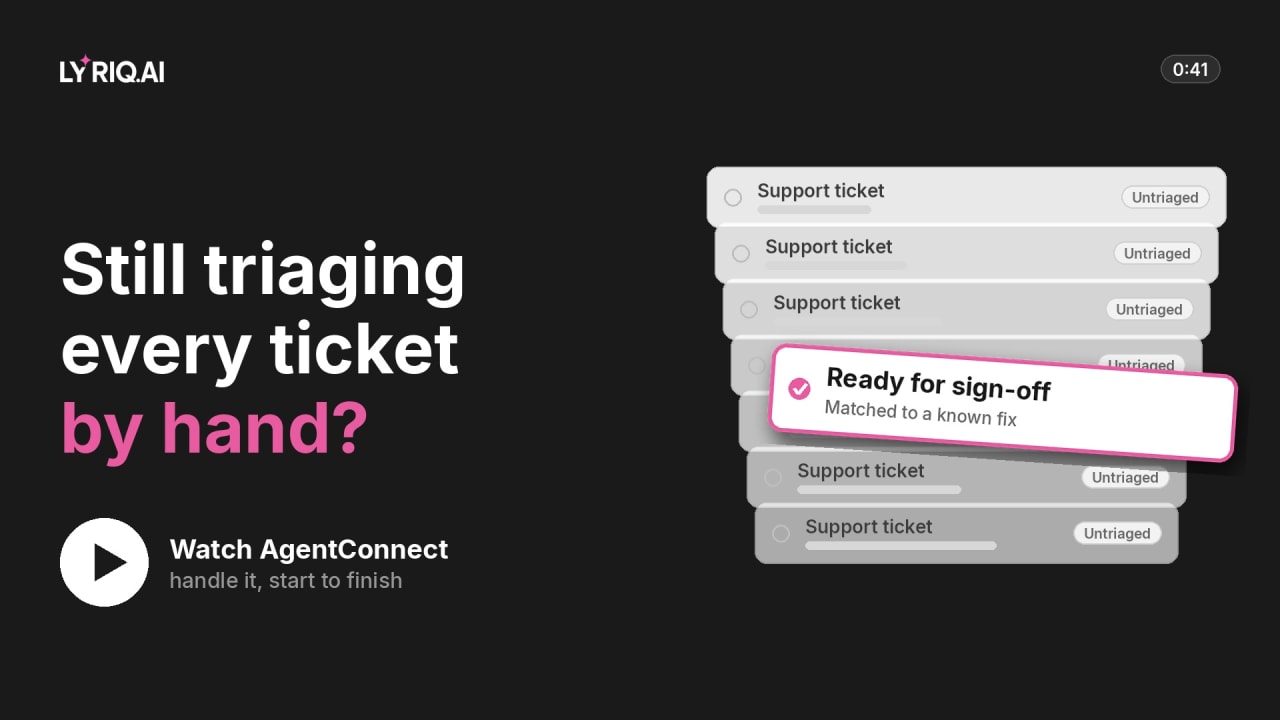
Still triaging every ticket by hand?
IT service desks and managed service providers · 0:41- Works with the email, spreadsheet, CRM, helpdesk and phone tools you already use
- A person approves anything that matters
- Every step logged
- Your model you choose the AI
Today
Still sorting every IT ticket by hand?
- 01
Every ticket sorted by hand
Engineers start each one by working out what it is.
- 02
The same fixes, again and again
Known problems are solved from scratch.
- 03
Users waiting on simple issues
A sync error waits in the same queue as an outage.
What it does
What the agent does, step by step.
- Step 1
An IT ticket comes in, like an Outlook sync error, and waits.
- Step 2
The agent works out the problem and finds a known fix.
- Step 3
The fix waits for a person’s OK before it goes out.
- Before
- Support ticketUntriaged
- After
- Ready for sign-offMatched to a known fix
Works with your service desk, help articles and device management.
You stay in control
Where your team steps in.
The agent stops and hands over at these moments. Every decision is recorded with who made it.
- 01
Every fix sent out
Found by the agent, approved by a person.
- 02
Access and permission changes
Always go to an engineer.
- 03
Anything without a known fix
Passed on with the problem written up.
Try it
Tell the agent what to do.
Type a task, or pick one below, and watch a practice run go as far as your approval.
Savings calculator
How much time would you get back on your IT tickets?
Put in your own numbers. The result updates as you type.
Estimate: what AgentConnect would give back
Enter your volume per month, the time each one takes and your hourly cost to see your numbers.
- Hours back each month
- —
- Value of that time, per year
- —
- Capacity freed
- —
How it starts: a 60-day refund on implementation, in writing.
- We agree a baseline with you: today’s volume, time and errors.
- We build the agent on your process.
- If it doesn’t beat the baseline by day 60, you get the implementation fee back.
Questions
What people ask about this one.
Does it change systems on its own?
No. A person approves every fix first.
Where do the fixes come from?
Your own help articles and past tickets.
Which service desks does it work with?
ServiceNow, Zendesk, Freshdesk and more.
What does the 60-day refund cover?
The implementation fee. Before we build, we agree a baseline with you: today’s volume, time and errors, in your own numbers. On day 60 we measure the process against it. If it does not beat the baseline we agreed, we refund the implementation fee. The terms are in writing, in your agreement.
Keep watching
More jobs AgentConnect can take on.
 0:36Month-end closeMonth-end reconciliationWatch the workflow
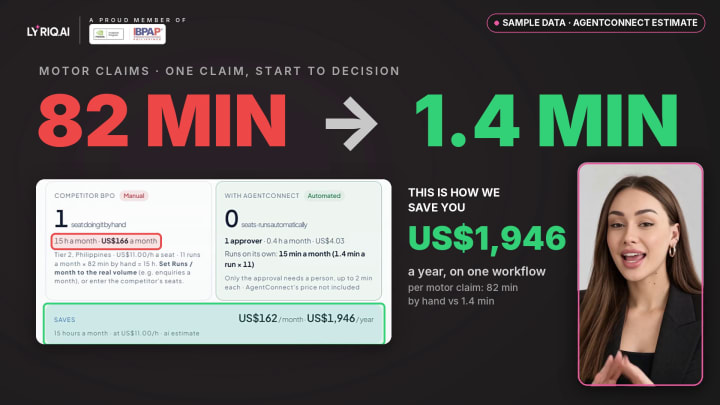 0:52Claims handlingClaims processingWatch the workflow
 0:41Collections & ARCollections and receivablesWatch the workflow
 0:57Customer supportCustomer serviceWatch the workflow
 0:44Employee onboardingHR onboardingWatch the workflow
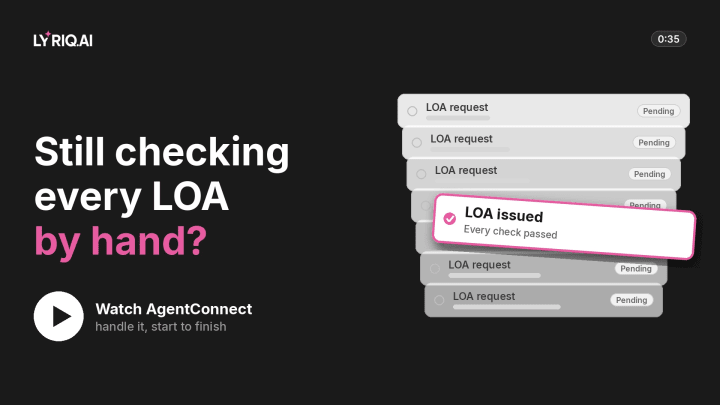 0:35LOA approvalsLOA approvalsWatch the workflow
 0:55Claims pre-adjudicationClaims pre-adjudicationWatch the workflow
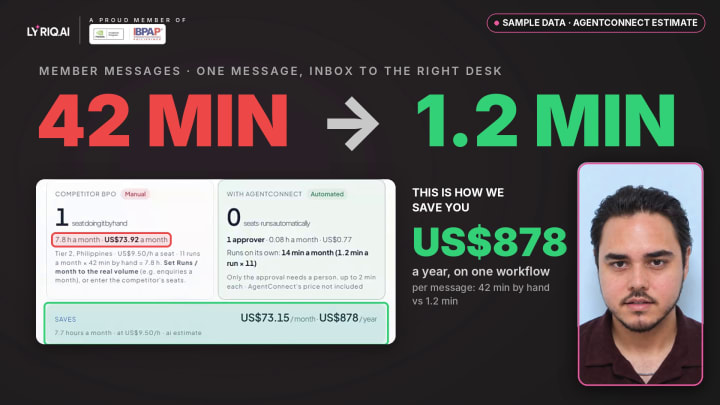 0:50Member supportMember supportWatch the workflow
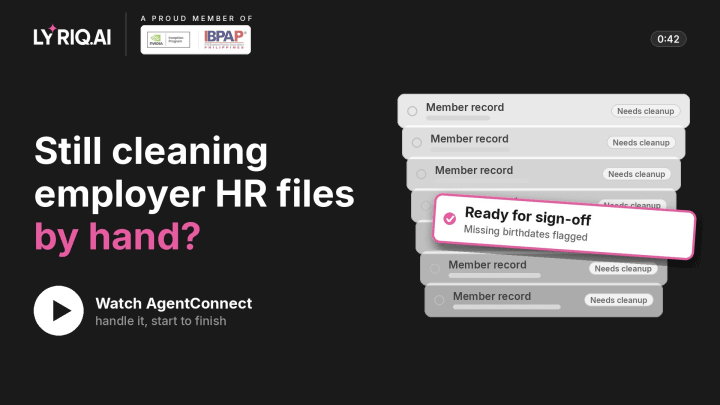 0:42Enrollment and endorsementsEnrollment and endorsementsWatch the workflow
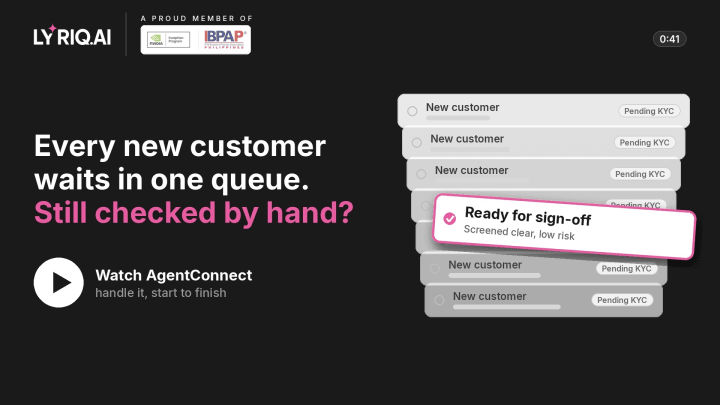 0:41KYC & onboarding checksKYC & complianceWatch the workflow
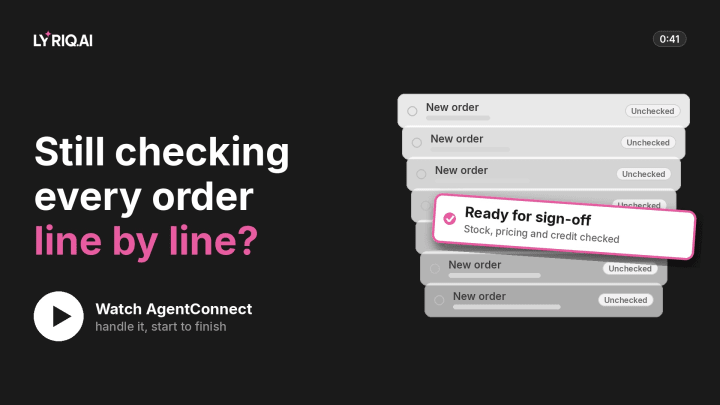 0:41Order checkingOrder managementWatch the workflow
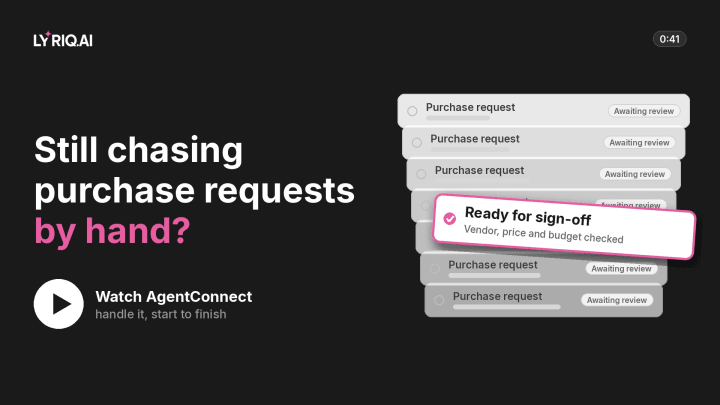 0:41Purchase requestsSupply chain & procurementWatch the workflow
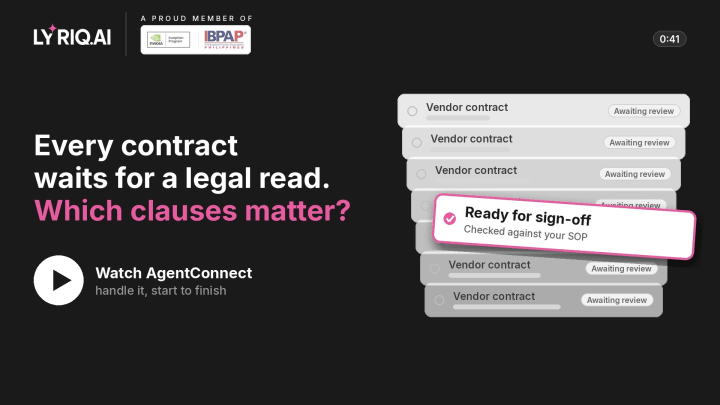 0:41Legal & contractsDocument reviewWatch the workflow
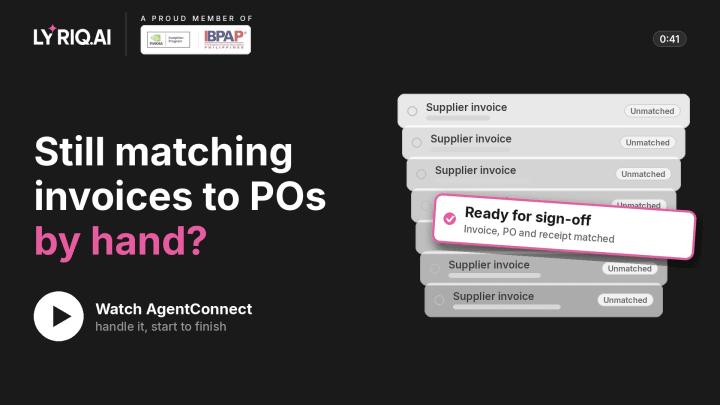 0:41Three-way matchInvoice & accounts payableWatch the workflow
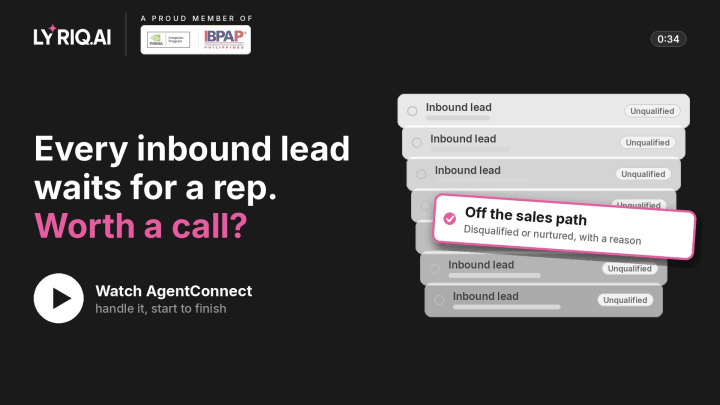 0:34Sales opsLead qualificationWatch the workflow
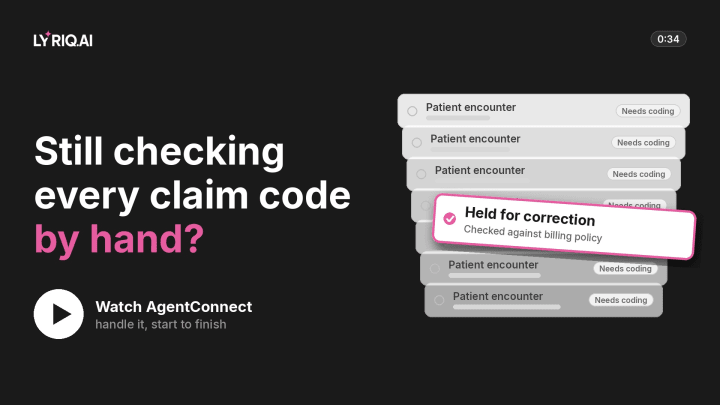 0:34Coding & billing checksMedical billingWatch the workflow
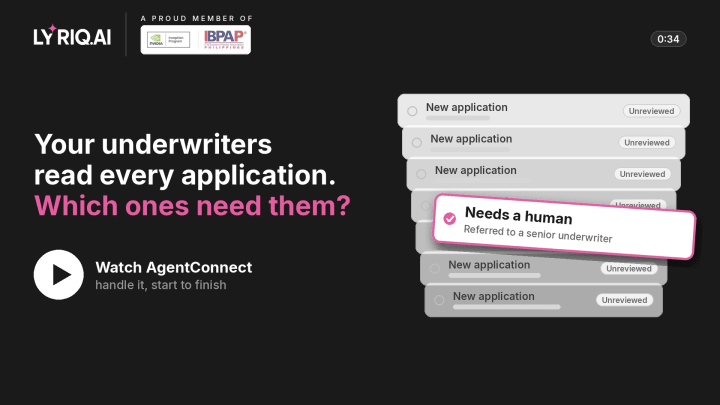 0:34Underwriting triageInsurance underwritingWatch the workflow
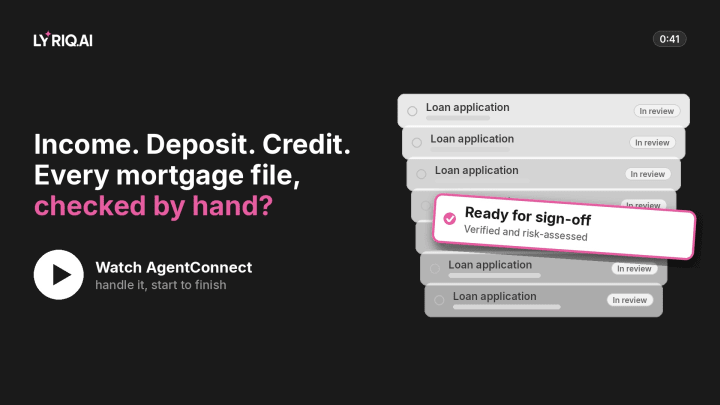 0:41Mortgage file checksLoan & mortgage processingWatch the workflow
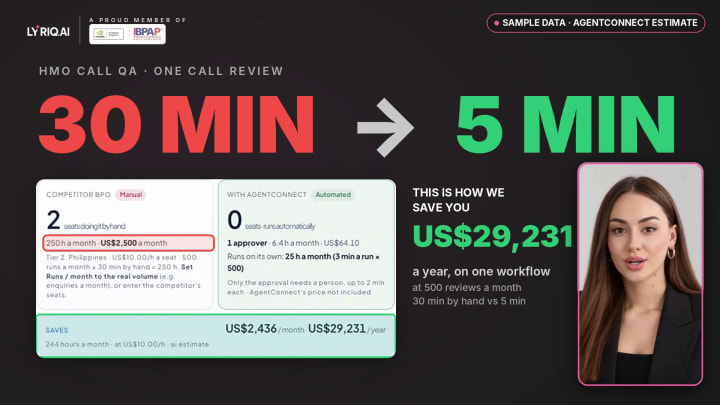 1:04Agent assist & call QAAgent assist & call QAWatch the workflow
 0:47AI upskilling programmeAI upskilling programmeWatch the workflow
Now do it with your IT tickets.
Bring your own process. We’ll show you what the agent would do, what it would check with you first, and what we’d agree as the baseline.
60-day refund on implementation
Rather talk first? Book a call
Member of NVIDIA Inception and IBPAP. We also started AI Council Philippines, an independent community at its founding stage.